
Create Six-Reference Voice Projects Using SeedAudio 2.0
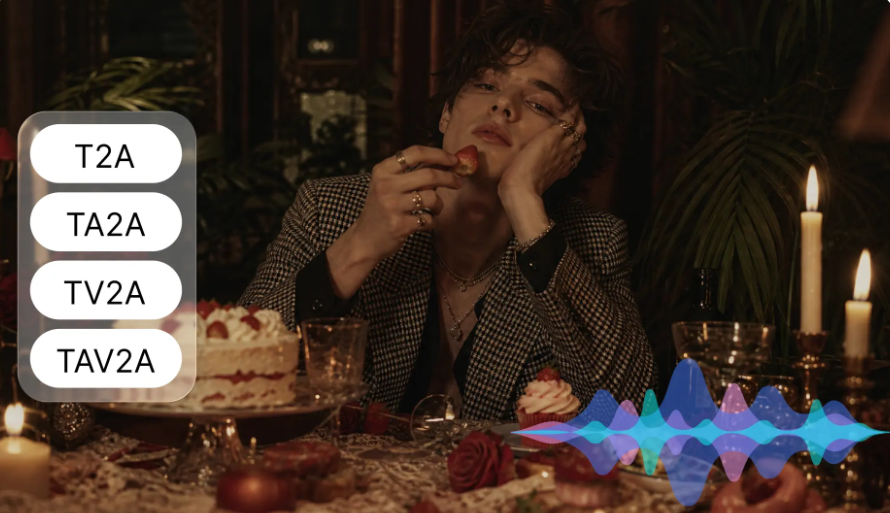
When creating multi-character audio productions, attention must be paid to voices, timing, emotion, and background sound. Every speaker must have an identity that is known, but does not detract from the overall flow of the scene. Pippit’s SeedAudio 2.0 adds support for reference audio, making more complex voice projects easier. The model can accommodate up to 6 reference audio files and can create full audio-visual soundscapes. Speakers can be arranged, emotional delivery can be guided, and dialogue can be placed at specific moments. This system can be used to assist in making detailed scripts more coherent and character-based productions.
What Six Voice References Enable
Six reference files provide the option to keep different speakers’ vocal characteristics unique to each project. This capability benefits animated conversations, dramatic scenes, interviews, and dialogue-heavy advertisements. AI dubbing also has its advantages when there are multiple characters with distinct voices. Each speaker requires a suitable reference file, which depicts the desired voice. Unless the project specifically requires it, a reference should not be used for more than one character. Separate files allow you to separate pitch, accent, rhythm, and vocal texture. But 6 references do not mean that it should be perfect speaker separation. As always, clear prompts, appropriate recordings, and thoughtful review are key to consistent results.
Prepare Reference Audio for Each Speaker
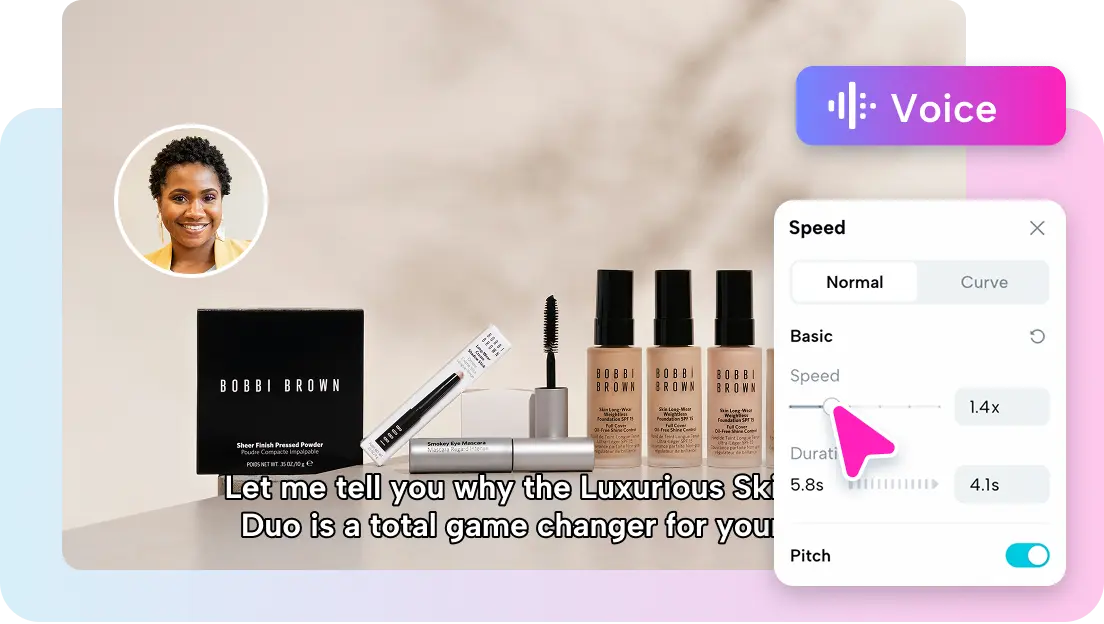
A good reference recording should reflect the speaker’s speaking style, accent, tempo, and tone. Select audio that is easy to understand, with the desired character but not too much noise or other voices. Consistency is important, as conflicting samples may lessen the predictability of the desired vocal identity. For SeedAudio 2.0 projects, the references will be the same as the speaker’s intended role and style of delivery. Each of the following types of character should have appropriate examples: calm narrator, energetic host, nervous character. Recordings should be focused and not have unnecessary audio material. Six carefully selected references are more useful guidelines than six unrelated samples. Also, only use recordings that you have permission to use, particularly if they sound like a familiar person.
Shape Character Delivery Through Prompts
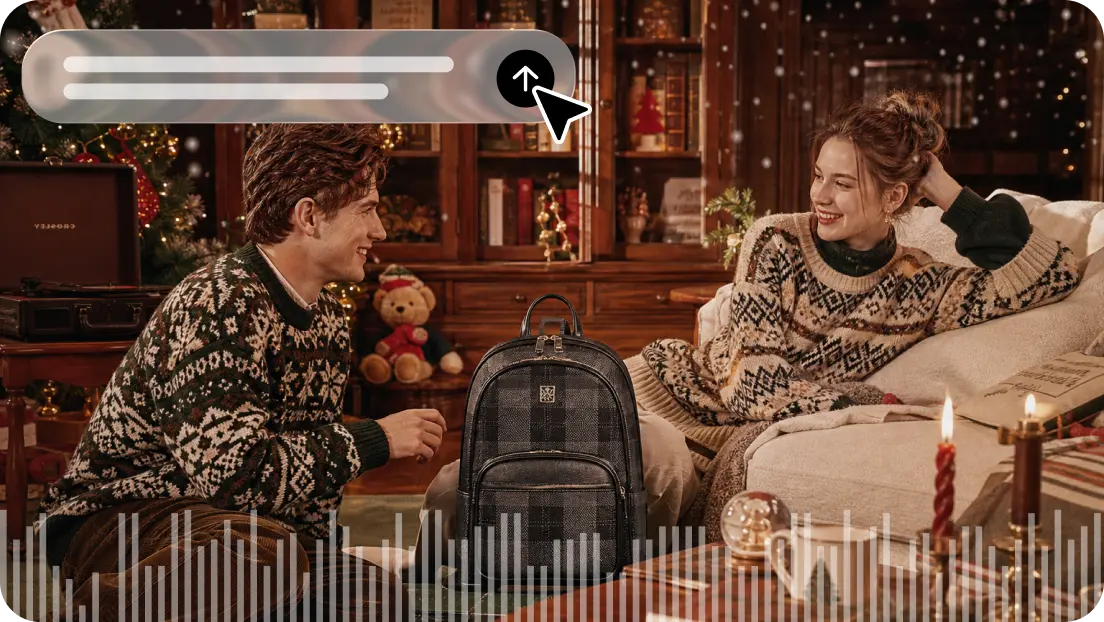
Specific cues guide the way each character speaks, acts, and feels. Explain the speaker’s attitude, tone, pitch, and manner of speaking. For instance, a self-assured speaker may enunciate well, and a nervous speaker may hesitate often. Indicate differences between speakers so that their performances are distinguishable. Dialogue context also helps to establish relationships, authority, tension, and personality. Use non-speech sounds where necessary – laughter, sighs, gasps, etc. These details can help make the conversations more natural and meaningful. Don’t give general directions to make all characters sound expressive. Rather, tie each of the vocal directions to the meaning and desired emotional arc of the scene.
Coordinate Six Speakers Within One Scene
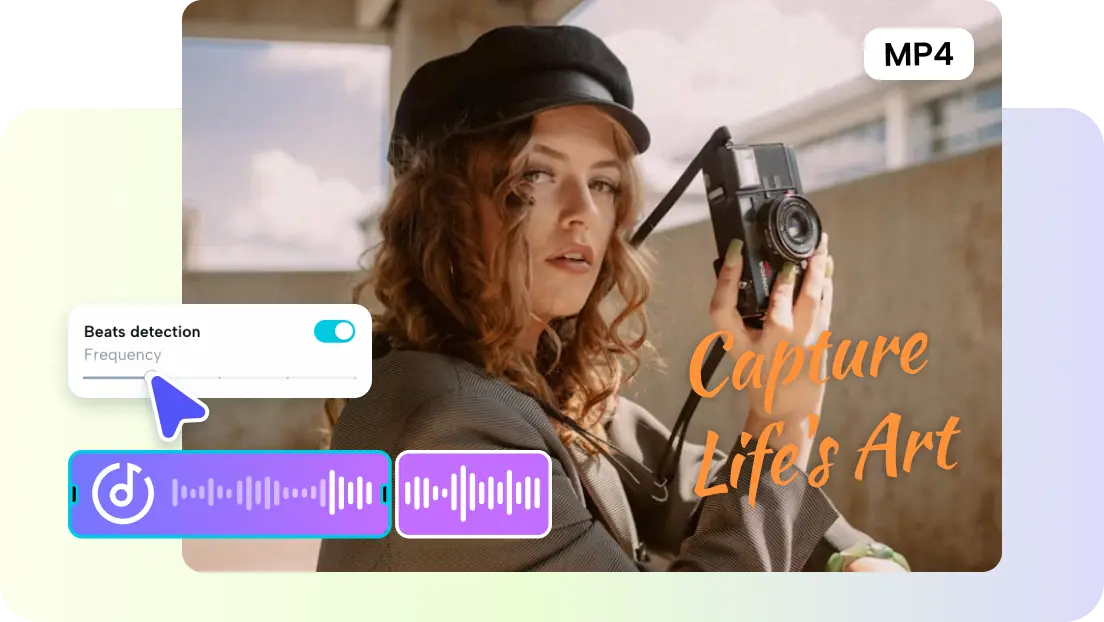
Plan dialogue so that every speaker has a clear role to play, and a logical sequence in which to speak. Label each character as consistently used in the prompt and then write each character’s lines in the order they are supposed to go. Time Stamps ensure individual lines of dialogue, sound effects, or music are placed at a certain time. This is particularly helpful for interviews, adverts and scenes that involve a lot of quick exchanges. Don’t layer multiple lines at a moment’s notice unless it is for a specific creative effect. The timing should enable listeners to identify who is speaking, responding, and changing the direction of the conversation. Reference voices provide identity, and timelines provide progression. These controls help to coordinate complex conversations more effectively. When dialogue, visuals, and sound need to be in sync, Pippit’s AI MV workflow can help with this.
Steps to Create Six-Reference Voice Projects Using Seedanceaudio 2.0
Step 1: Assemble Your Voice References
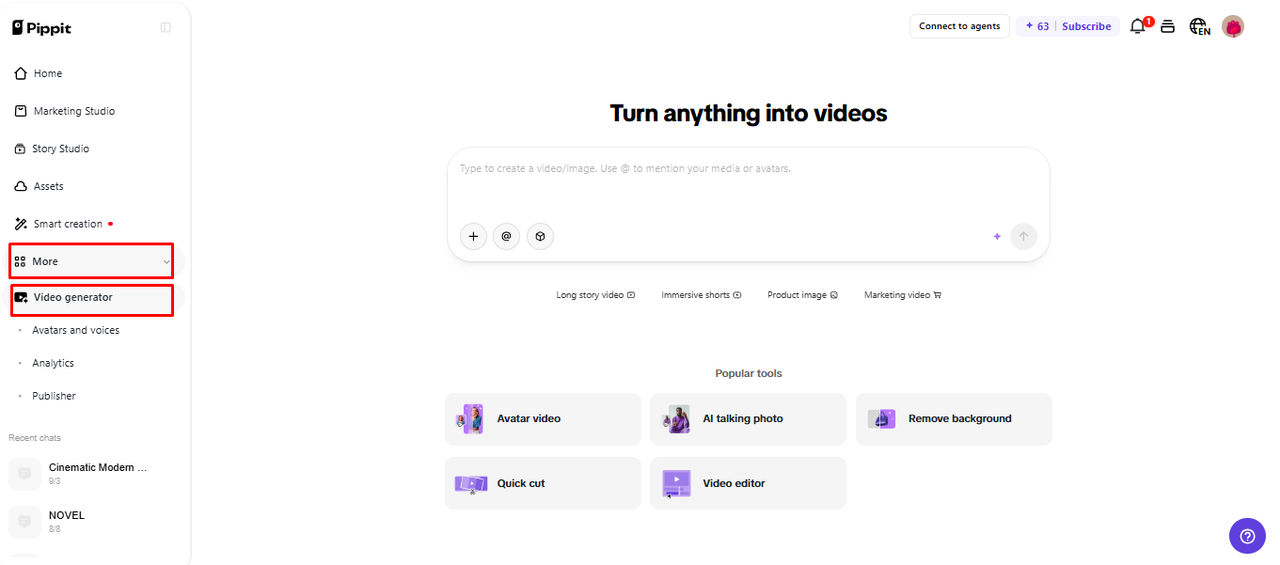
- Sign up for Pippit using your Google, TikTok, or Facebook account.
- Open “More” on the left menu and select “Video generator”.
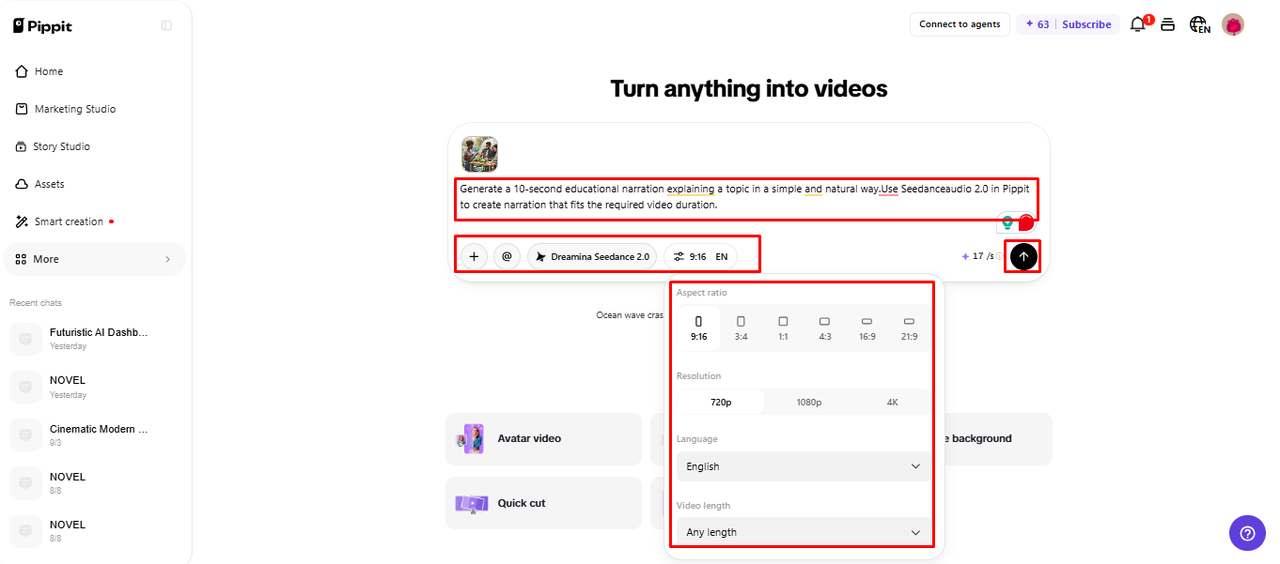
- Choose an AI model such as Dreamina Seedance 2.0.
- Enter a detailed prompt covering the speaker, voice changes, ambience, effects, music, angles, and text.
- Set the video length, language, subtitles, and aspect ratio if needed.
- Click “+” to upload reference audio or videos from your device, phone, Dropbox, or a link. You can also select assets.
- Add the six voice references, check the instructions, and click “Generate”.
Step 2: Generate the Multi-Reference Voice Project
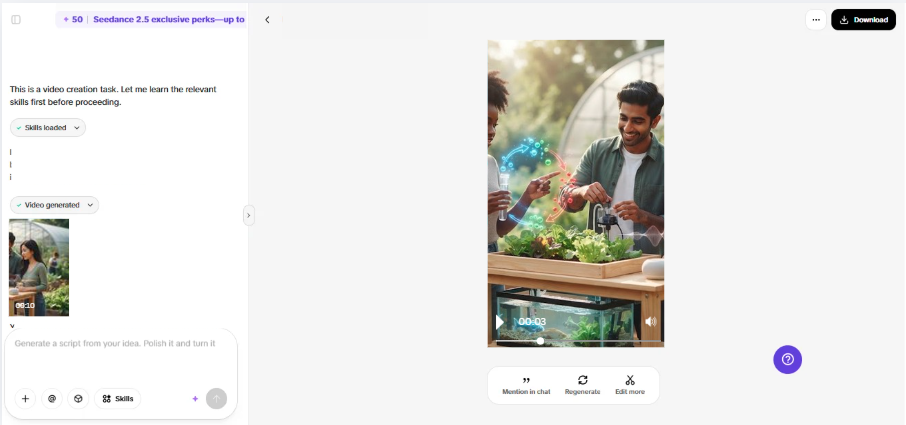
- After clicking “Generate”, Pippit creates the video from your prompt and reference media or audio.
- The AI handles transitions, pacing, captions, avatars, voice, lyrics, and visual enhancements.
- Review the draft and listen to each voice in context.
- Check speaker changes, timing, dialogue flow, and consistency.
Step 3: Edit Each Voice Detail
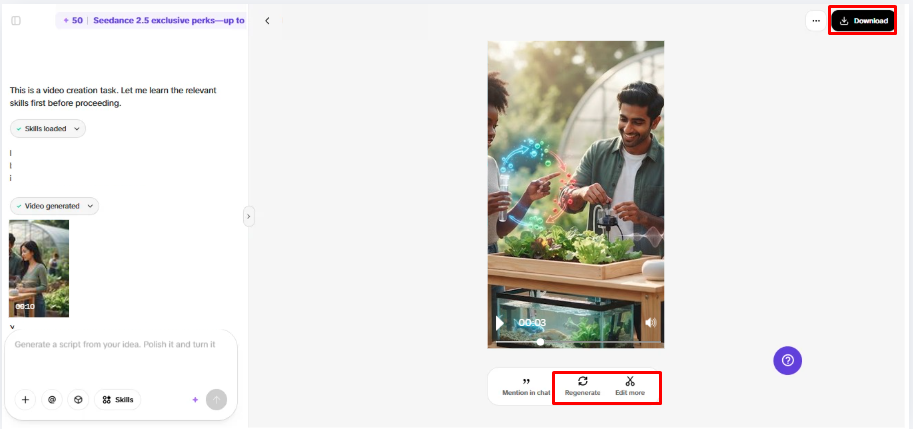
- Click “Download” if satisfied, or “Regenerate” for another version.
- Select “Edit more” below the video for further customization.
- Edit captions, add text, and adjust size, color, alignment, filters, voice, and effects.
- Add background music, remove backgrounds, control emotional timing, edit sync, and refine visuals.
- Click “Export” when the project is complete.
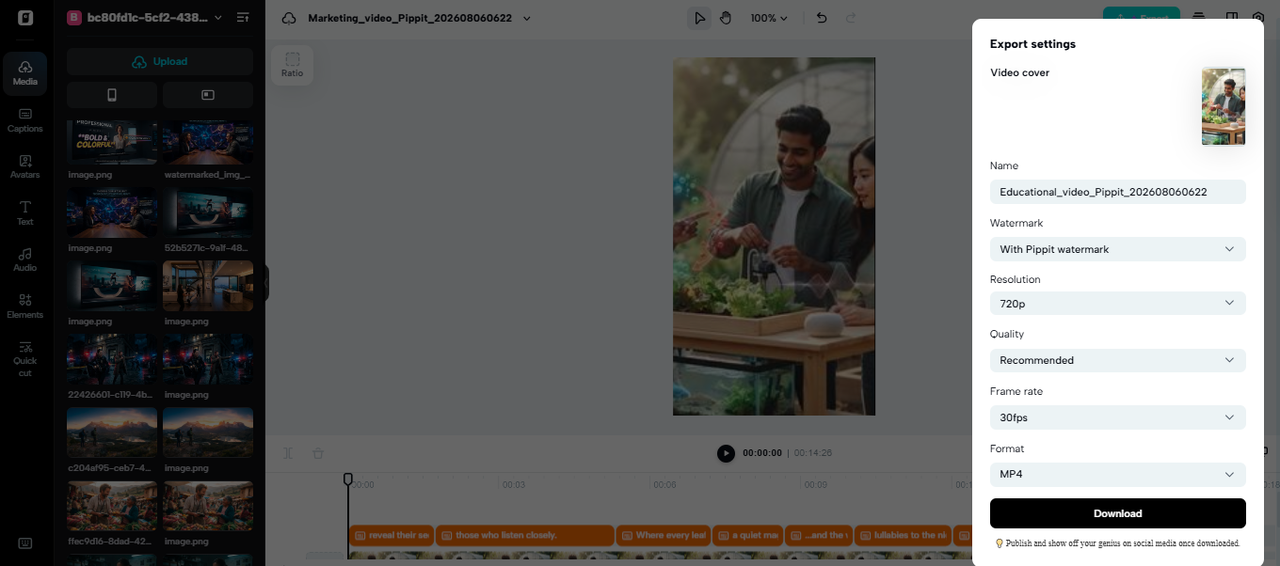
- Select “Publish” for TikTok, Instagram, or Facebook, or “Download” with your preferred format, resolution, frame rate, and quality.
Balance Voice Identity with Scene Audio
Ambience, music, and sound effects should not obscure the distinctiveness of the voices. If background audio is too loud, it can detract from a strong character performance. Listen to a speaker in the overall soundscape and not just the dialogue. Dialogue-focused adjustments are easier during post-production when using separate tracks. SeedAudio 2.0 allows for dialogue, ambience, effects, and music in separate tracks. This setup enables the editors to manipulate specific layers without having to reprovision the whole soundscape. Keep sufficient background detail to identify location and mood; don’t obscure key words. The best combination maintains the identity of the speaker(s) and coherence of the overall scene.
Use Reference Voices for Different Creative Formats
Pippit’s six-reference allows for several creative formats that rely on clear vocal separation. Consider these applications:
- Animated conversations: Set unique reference to characters with varying personalities, accents, or emotional styles.
- Multi-character ads: Provide different voices to presenters, customers, and narrators in the same ad.
- Podcast-style segments: Mix several speakers, narration, ambience, and music.
- Dubbing Workflows: Localizing dialogue for pre-recorded video footage with character-specific references.
- Dramatic scenes: Organise contrasting performances, pauses, reactions and background sound.
- Educational videos: Distinguish between interlocutors, interviewees and supporting speakers for better explanations.
Conclusion
With up to 6 reference audio files, SeedAudio 2.0 provides greater flexibility when producing audio with multiple speakers. Specific cues create character personality; specific prompts are given to develop emotion, rhythm, and expression. Timestamps can assist with dialogue timing, while having separate tracks will make post-production changes easier. Pippit incorporates these capabilities in one workflow to create and perfect entire audiovisual projects. Extensive conversations can be made more clear, coherent and engaging with careful preparation and review.


